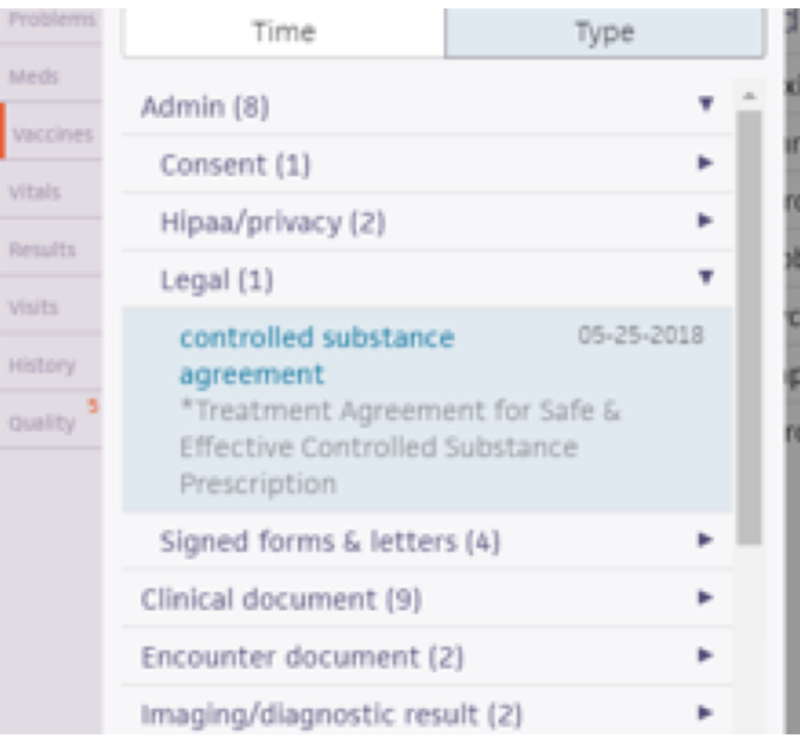
The Controlled Substance Treatment Agreement outlines expectations for safe and effective use of controlled substance prescriptions.
Step 1: Go to the patient’s chart
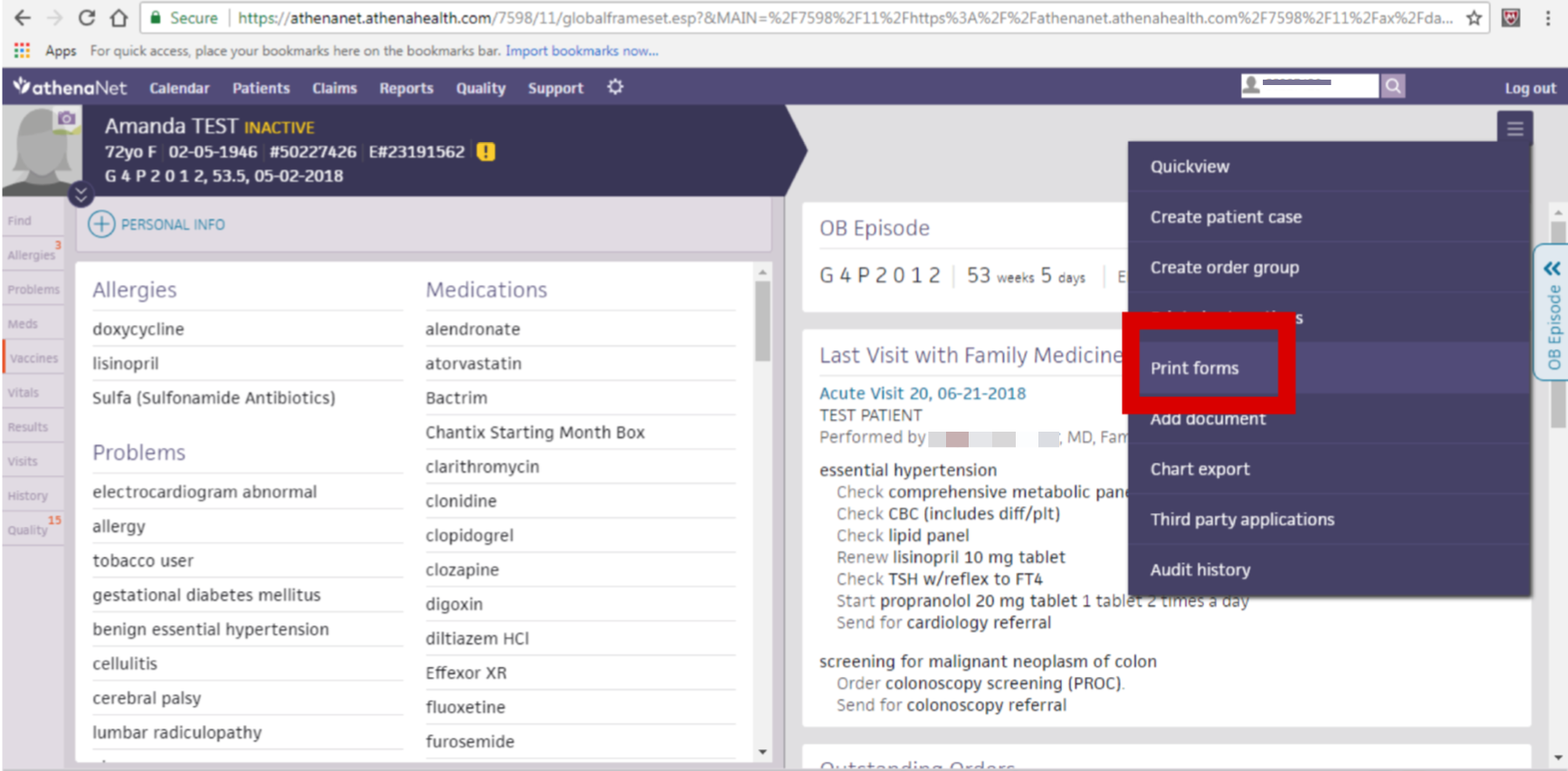
Step 2: Go to “Print Forms” from the “hamburger menu” in the upper right
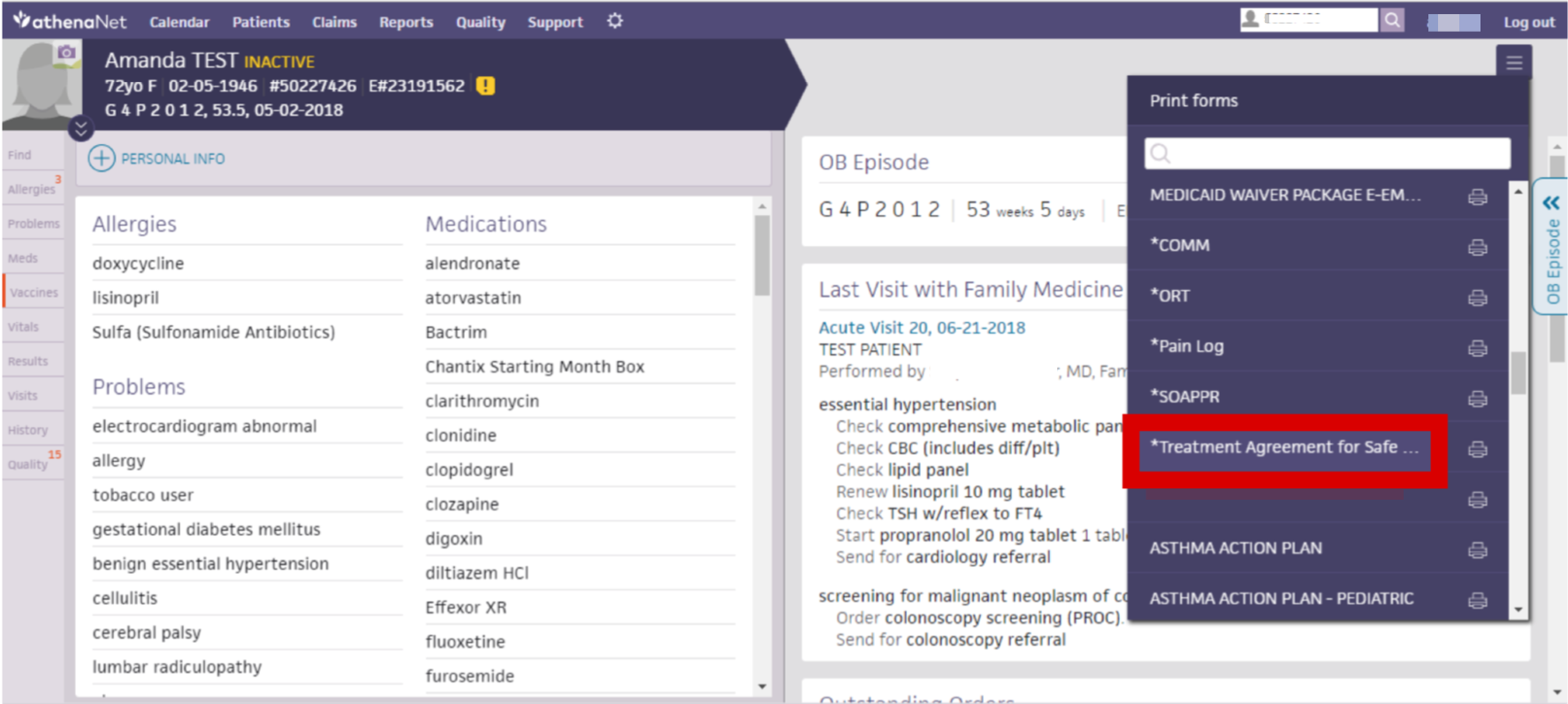
Step 3: Select “Treatment Agreement for Safe & Effective Controlled Substance Prescription” to print
Step 4: Have the Provider and Patient review and sign the form
Step 5: Scan and upload document to the patient's chart
Note: If printed from the patient’s chart, the document will be auto-mapped to be located in “Admin” > “Legal”